

Guided WalkthroughsIoT Developer JourneyGuided WalkthroughsDay 1: Install IoT service
How to determine Network Conditions
This recipe was an interactive walkthrough in the previous portal. Each step below names the API call it makes; open it in the API Reference to try it.
Obtain Token
🗝️ Pre-Requisite
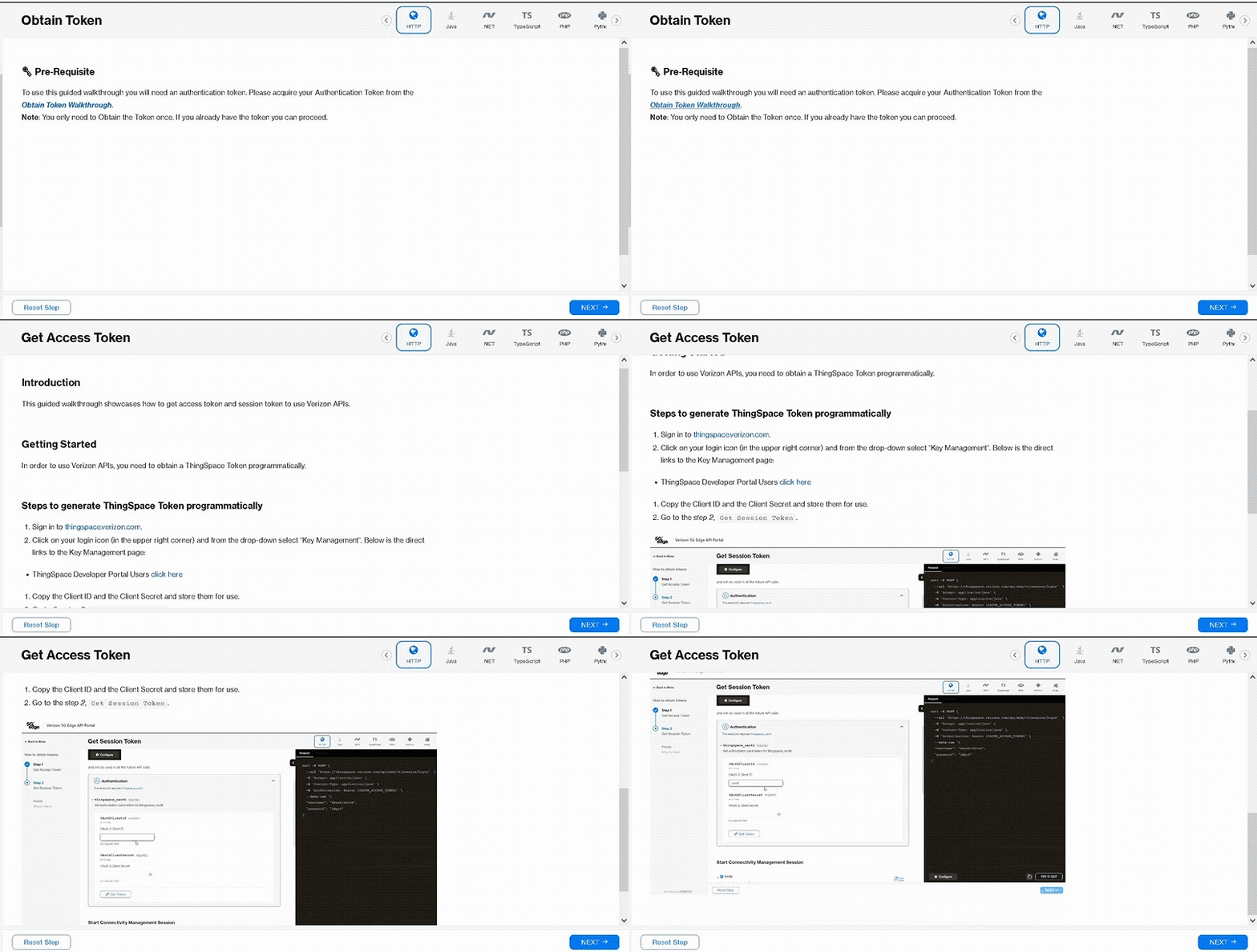
To use this guided walkthrough you will need an authentication token. Please acquire your Authentication Token from the Obtain Token Walkthrough.
Note: You only need to Obtain the Token once. If you already have the token you can proceed with the walkthrough by clicking Next in the below right corner.
Step 1: Network Conditions
Have a look at some other Guided Walkthroughs
Here are some popular use cases
| Title | Description | Action |
|---|---|---|
| How to Activate a Device | This guided walkthrough showcases how to use Verizon API to activate a device. | Try Now |
| How to Get Device Location | This guided walkthrough showcases how to use Verizon API to Get Device Location. | Try Now |
| How to Get Device Usage | This guided walkthrough showcases how to use Verizon API to get device usage. | Try Now |
| How to Fetch Device Information | This guided walkthrough showcases how to use Verizon API to fetch the Device Information List. | Try Now |
| How to Fetch Device Usage History | This guided walkthrough showcases how to use Verizon API to fetch the Device Information List. | Try Now |
| How to do 4G/5G Address Validation | This guided walkthrough showcases how to use Verizon API for 4G/5G Address validation. | Try Now |
| How to Activate Service For a Device | This guided walkthrough showcases how to use Verizon API to activate a device. | Try Now |
| How to Register for DiagnosticService Callback Service | This guided walkthrough showcases how to use Verizon API to register a callback listener URL. | Try Now |
| How to do SIM Secure Assignment | This guided walkthrough showcases how to use Verizon API to assign SIM Secure for IoT Licenses. | Try Now |
| How to do Site Proximity | This guided walkthrough showcases how to use Verizon API for Site Proximity. | Try Now |
| How to Get RF Strength Baseline | This guided walkthrough showcases how to use Verizon API to Get RF strength baseline. | Try Now |
| How to Register For Outages | This guided walkthrough showcases how to use Verizon API to register for outages. | Try Now |
| How to Verify Network Location | This guided walkthrough showcases how to use Verizon API to verify network location. | Try Now |
| How to Get Experience Score | This guided walkthrough showcases how to use Verizon API to get experience score. | Try Now |
| How to do Fota Upgrade | This guided walkthrough showcases how to use Verizon API to schedule a firmware upgrade for devices. | Try Now |
Description
This step is to run a report to determine current network condition and availability. This status is updated multiple times per hour.
API call: NearRealTimeNetworkConditions